Our support pages have been provided in English, to translate to your desired language you can use the built-in translate function in Chrome or Firefox.
Quantity Entry
Quantity Entry is a feature that allows you to enter quantities immediately, in a separate window. It shows availability for the style and each colorway for that style. This window also includes your shipments organized by their shipping dates, so that you can plan shipments by availability. The 'Quantity Entry' window can be accessed in the 'Standard Order' entry method from the product listing page and the 'Enter Quantities' screen.
Quantity Entry
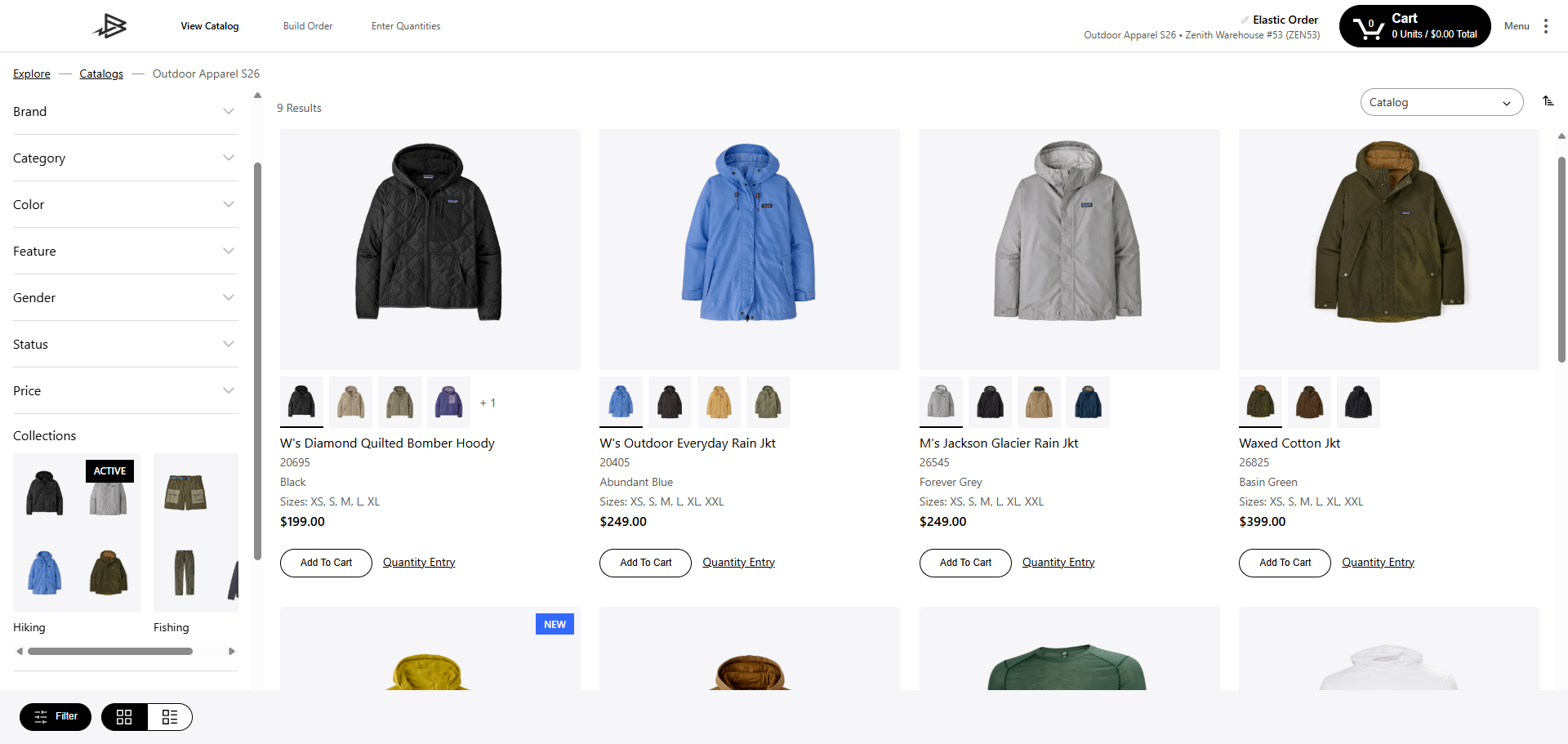
In the View Catalog Screen selecting the 'Quantity Entry' link on an item will bring up the Quantity Entry for that style.

Enter Quantities
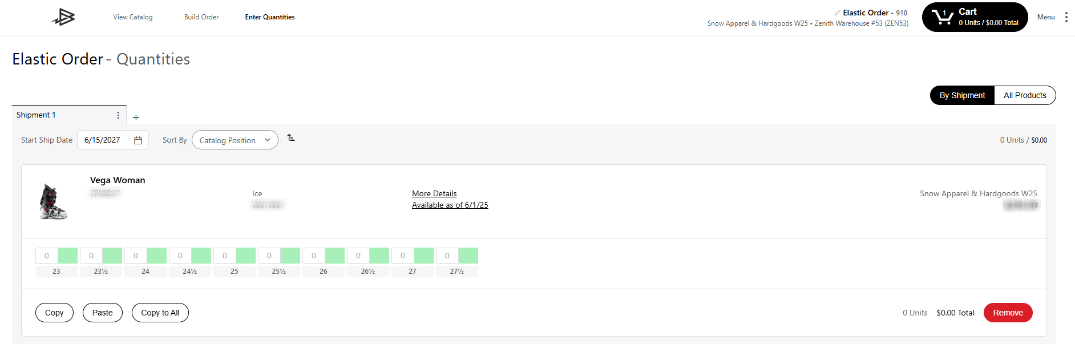
In the 'Enter Quantities Screen' changing from By Shipment to All Products using the slider on the right will also bring up Quantity Entry with all the products previously entered into your cart.
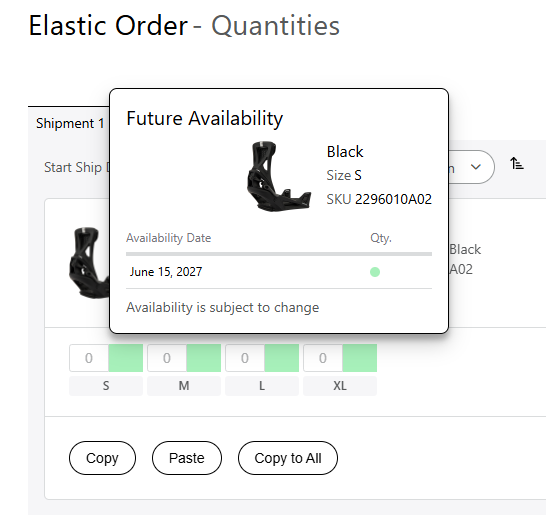
You can hover over the green rectangle to see the future availability of the product.