Our support pages have been provided in English, to translate to your desired language you can use the built-in translate function in Chrome or Firefox.
Inventory Sort and Defaults
A new way to sort your catalogs has been added to Elastic Suite. The Inventory Sort organizes visible units by what is currently in stock.
With this feature the ability for brand admins to select a default sort for catalogs has also been added. Allowing for At Once and other catalogs that do not rely on catalog order to display in a more useful sort.
While in Quick Order, select the Inventory Order from the drop down menu to sort products by available inventory.
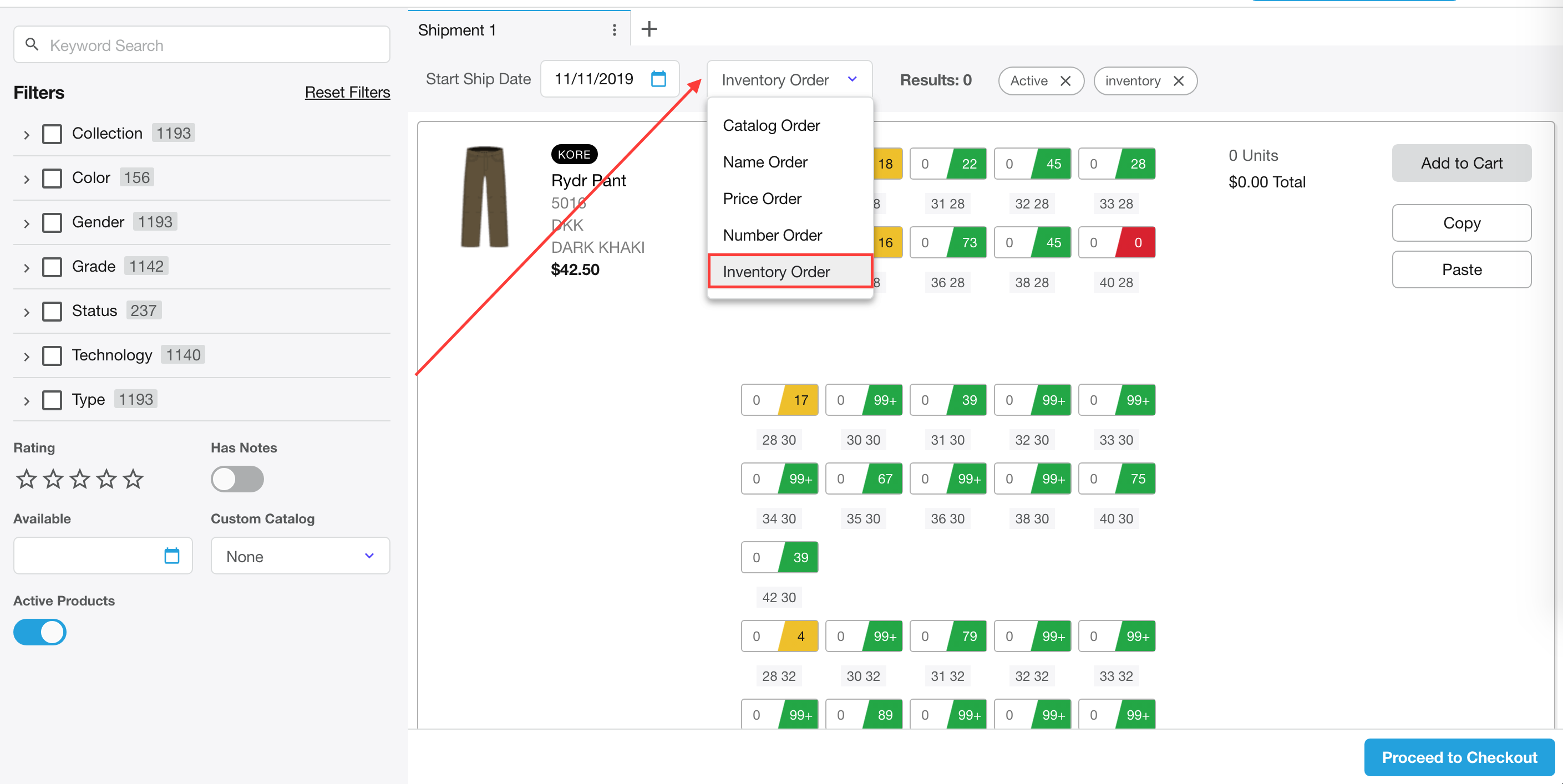
This will display all products available to add to your Quick Order.
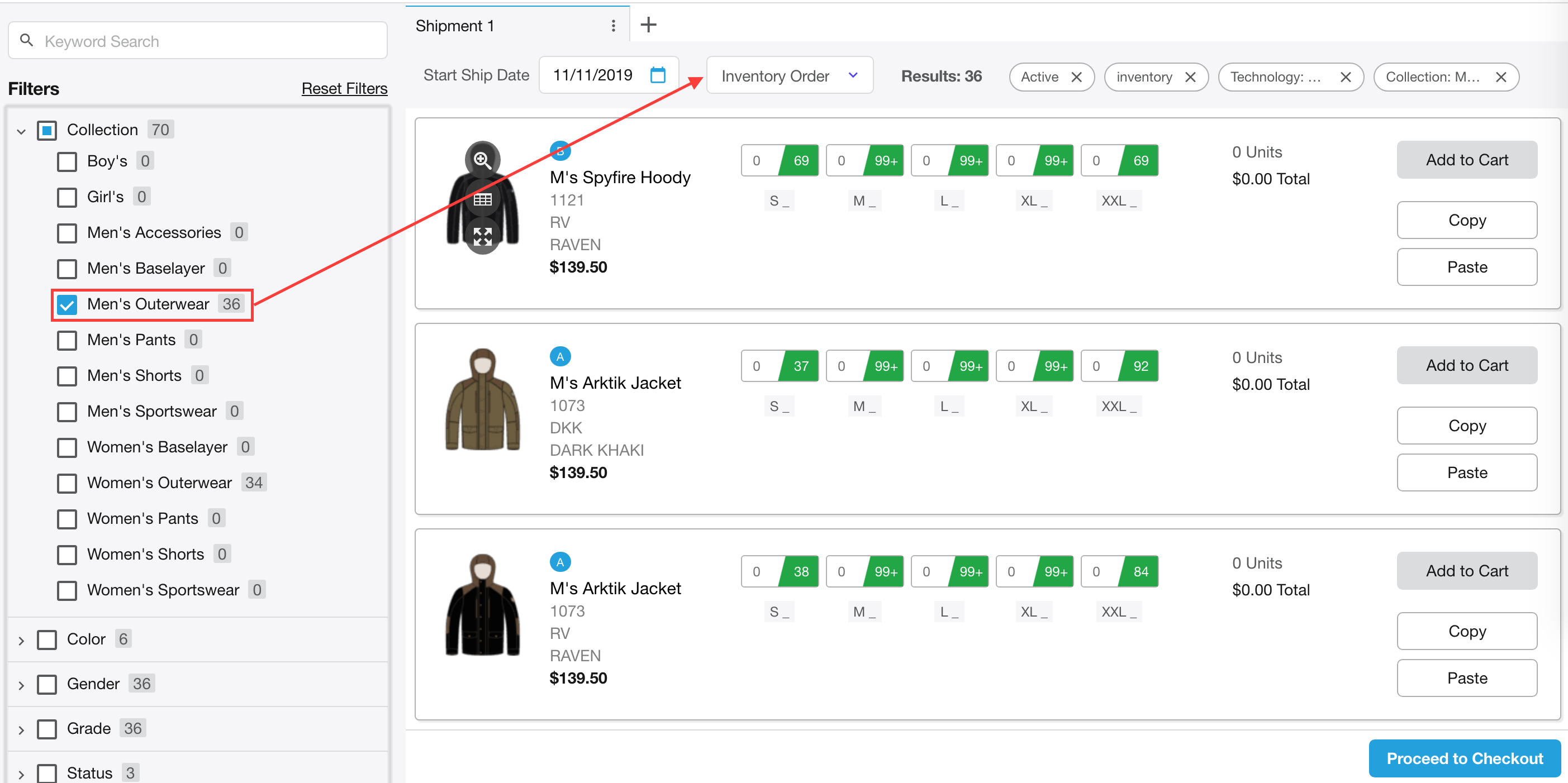
A great use for this feature is in conjunction with the product filters located on the left drop down menu.
Pro Tip
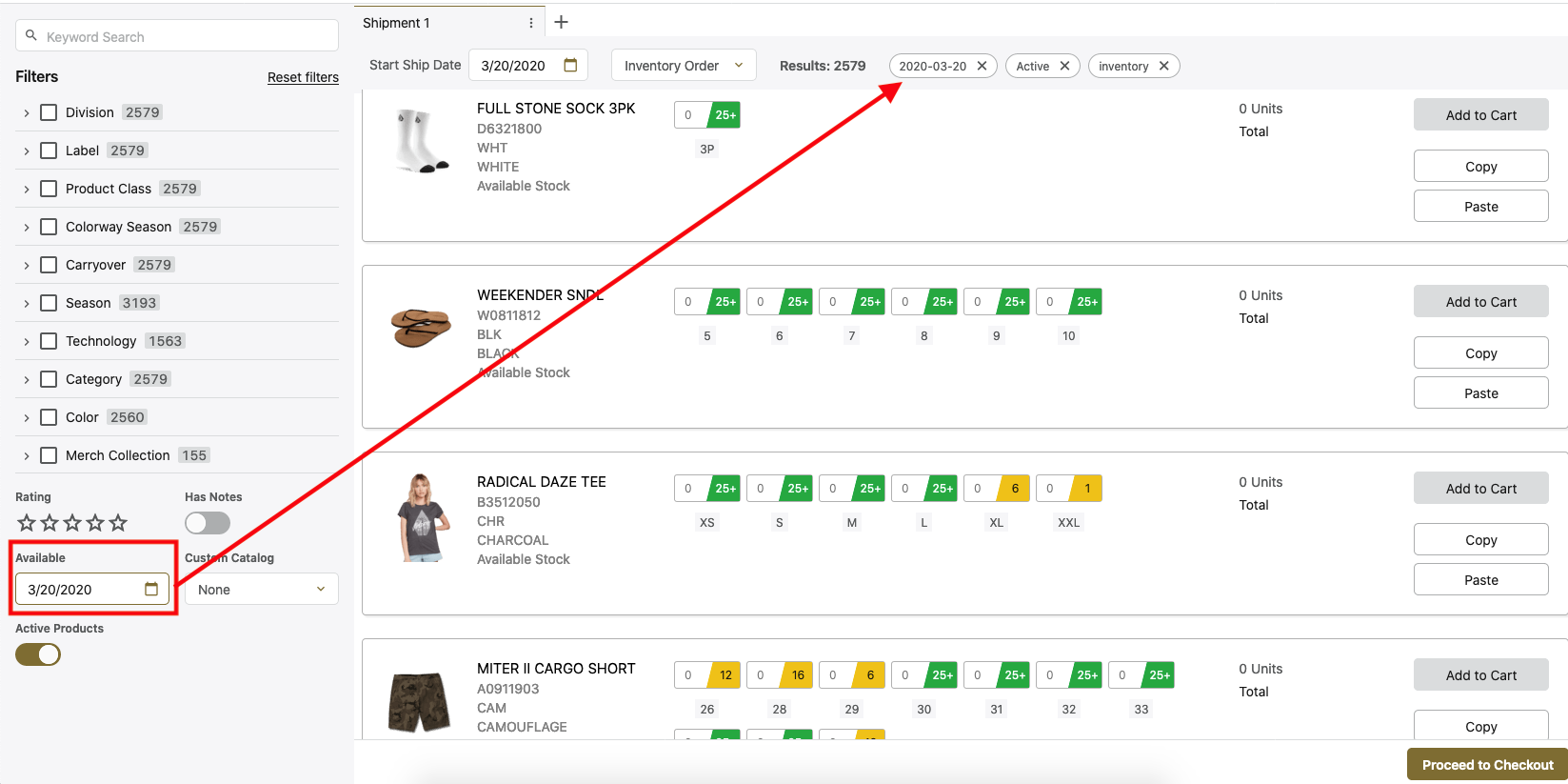
Using this sort method along with the available table you can filter products that have inventory available on certain dates and remove products that do not have available inventory on the date you are looking to place an order for.