
Our support pages have been provided in English, to translate to your desired language you can use the built-in translate function in Chrome or Firefox.
How Do I Change My Username or Password?
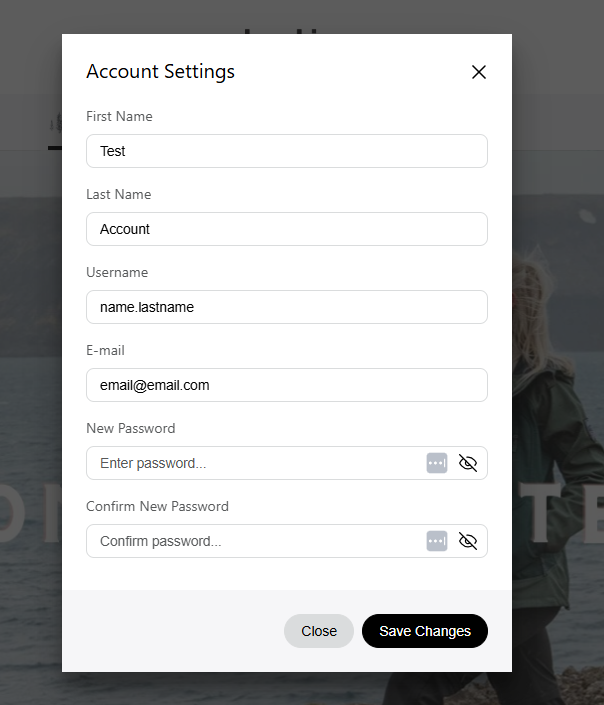
After logging in, click your account name in the top right corner and select 'Account Settings'. Type in your new information and click the 'Save Changes' button.
Password Tips:
- Elastic Support does not know your password and will not ask for your password.
- Passwords are case sensitive
- Passwords must be at least 8 characters long
Best Practices:
- Do NOT reuse passwords across different systems or accounts
- If you have multiple Elastic accounts, each account should have a unique password
- Use an enterprise-grade password manager (for example 1Password, Bitwarden, LastPass)
- Use passphrases (e.g., “Coffee-Morning-Sunrise-2024”)
- Use a combination of unrelated words with separators
- Avoid personal information, dictionary words, or common patterns
- If the Elastic Team resets your password manually, change your password at your first convenience