
Our support pages have been provided in English, to translate to your desired language you can use the built-in translate function in Chrome or Firefox.
Create an Availability Output (Excel)
Availability Output (Excel)
The Availability Output feature gives users the ability to quickly export an XLSX file of all available products. There are multiple ways to achieve this.
The 'Manage' Menu
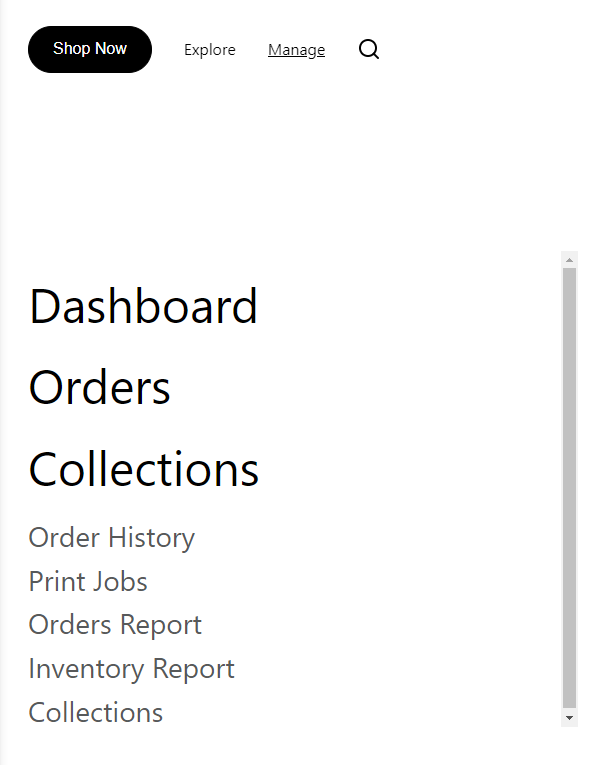
Navigate to 'Manage' and select Inventory Report.
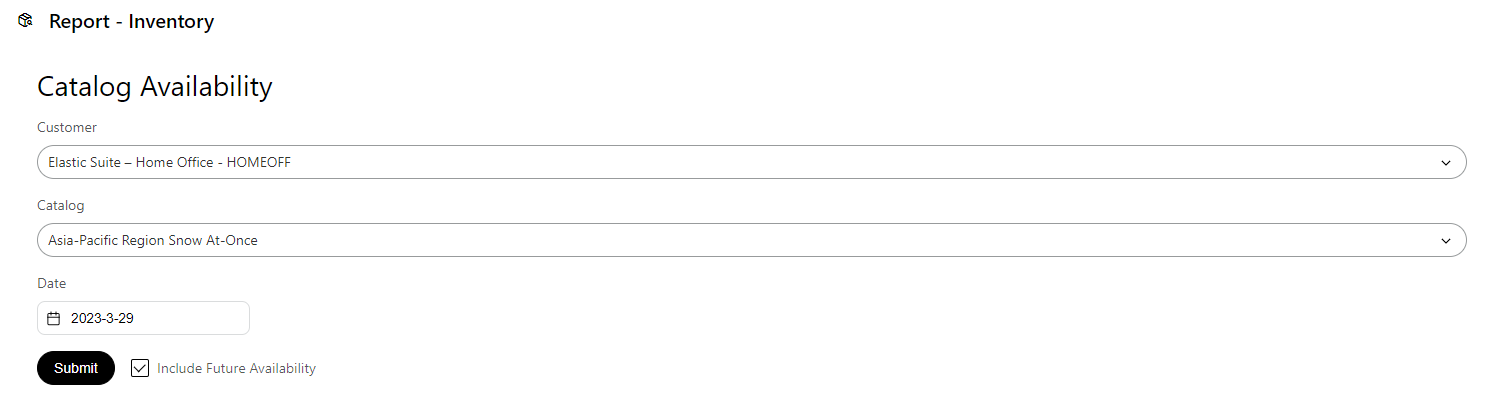
The 'Report - Inventory' page will allow you select the customer, catalog and a date. You can also choose to include future availability.
The Order Menu
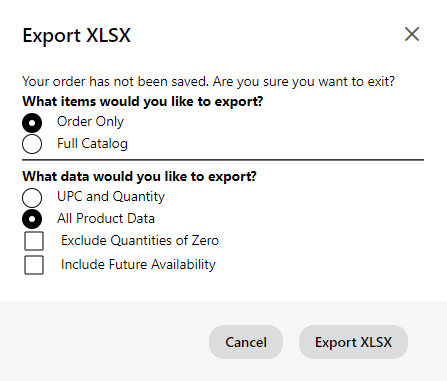
Within an existing ORDER, find and select "Export XLSX" from the top-right, click-down ORDER menu. In the popup, select "All Product Data" and "Full Catalog" to include all data.
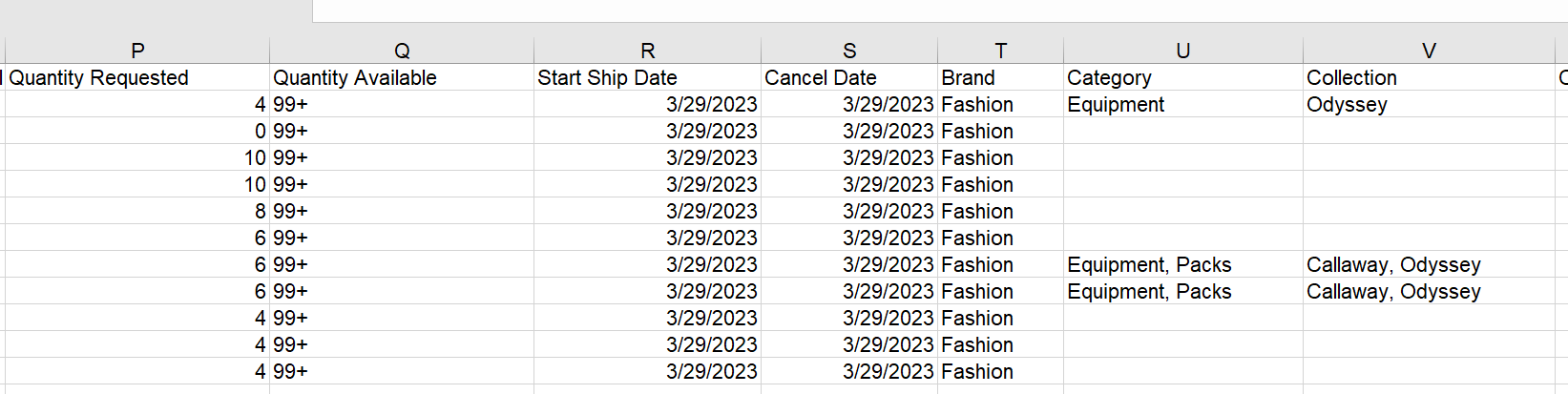
The result is an immediately downloaded XLSX spreadsheet.
Import a File