
Our support pages have been provided in English, to translate to your desired language you can use the built-in translate function in Chrome or Firefox.
Important Keyboard shortcuts in Whiteboard
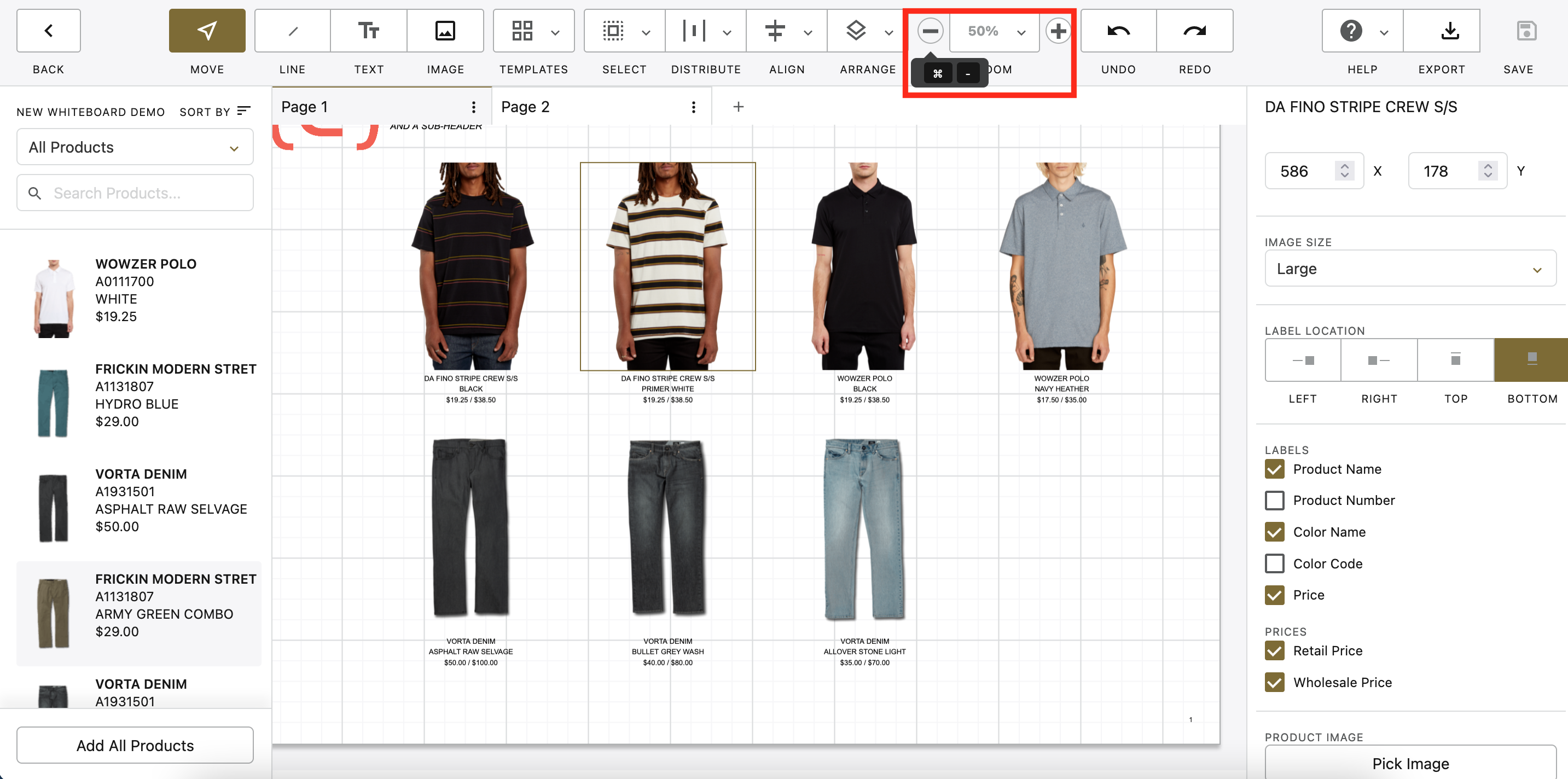
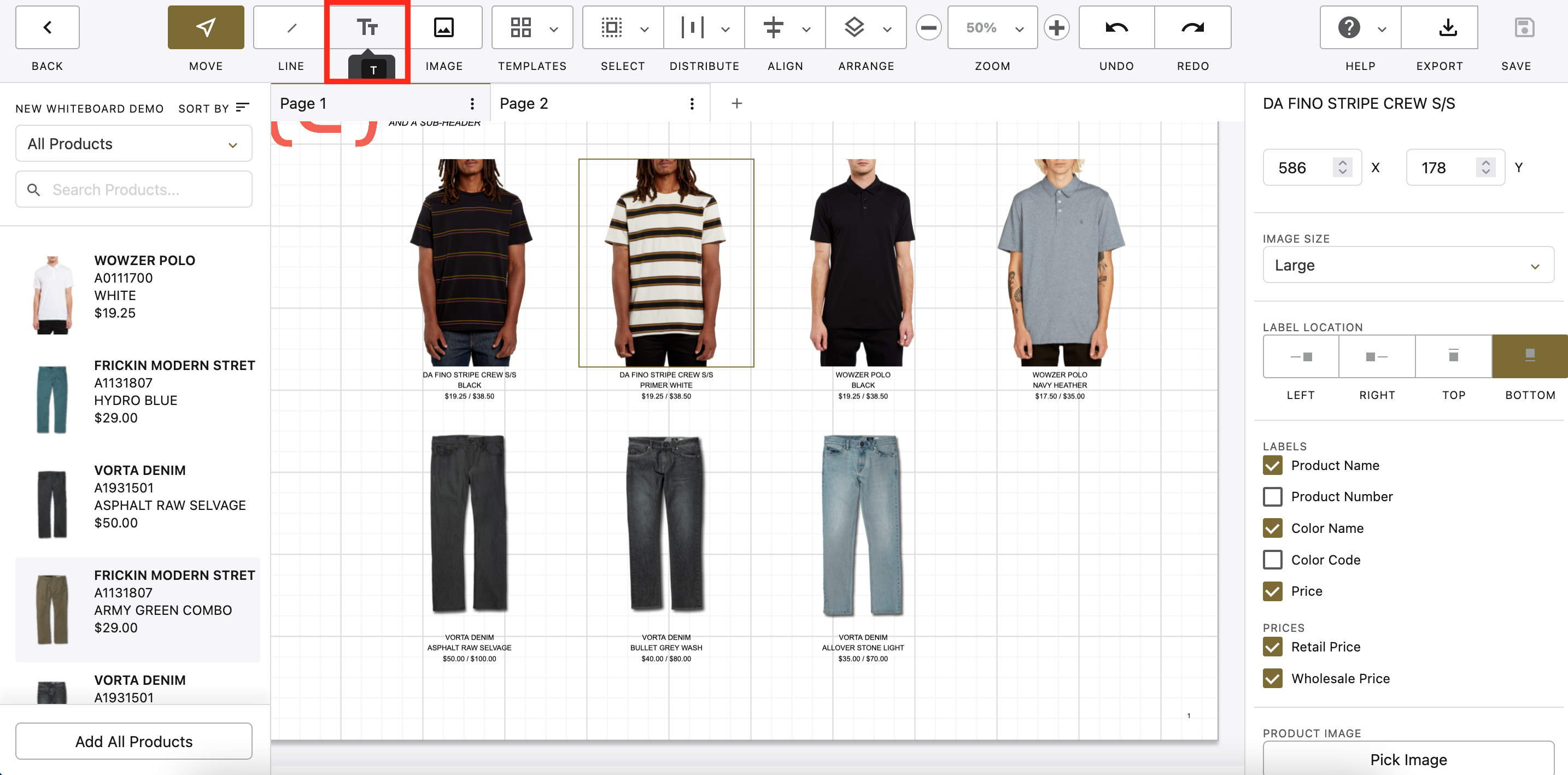
Keyboard shortcuts for the different actions in the toolbar can be seen by hovering over the action, this will show for the keyboard layout you have selected (Mac, Windows, etc.)
Copy & Paste
With one or more whiteboard items selected, you can easily copy and paste them to a new whiteboard page or elsewhere on the page. COMMAND⌘ + C (CRTL+C in Windows) will copy your whiteboard items. COMMAND ⌘ + V (CRTL+V) will paste them near to the area where they were copied.
Shift Select
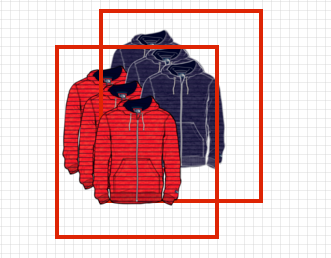
You can select groups of items in your whiteboard by clicking on the items you want to select while holding the SHIFT button.

Delete
With one or more whiteboard items selected, hitting the DELETE key on your keyboard will remove the selected items from the whiteboard.
Pan
Holding down the spacebar will change your pointer to a hand clicking and dragging will allow you to pan around your whiteboard page.